
Getting started
Open your first project
A project is just a folder on disk that you have opened in Ropenode. Opening one never modifies it.
- Click + in the tab bar.
- Choose Open folder… and pick a repository.
The + menu also lists projects you have opened before, most recently used first, so re-opening a closed one is one click. The list is searchable.
Archiving and removing a project
Archive a project you are done with from All projects (⌘): it leaves the active list and can be brought back at any time. On the Free tier, archiving is also what makes room for a fourth project — see What is free and what is paid.
Removing a project from Ropenode only removes it from Ropenode's database. Your files on disk are never touched. This is deliberate and it is enforced in the code — there is no path through the app that deletes your repository.
What you get per project
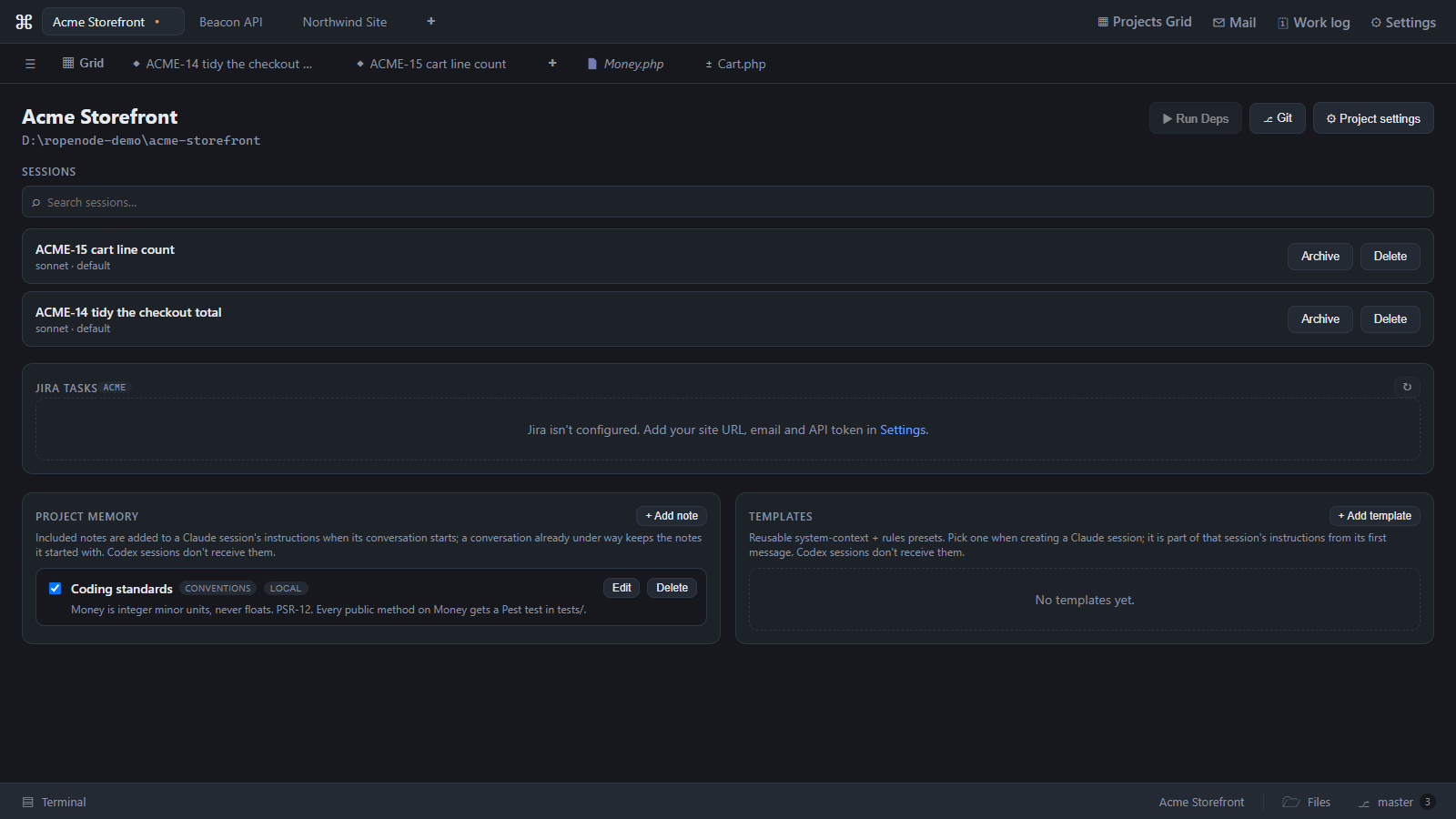
Each project has its own tabs — sessions, files, diffs and previews — with the file explorer, the git panel and terminals in the bar along the bottom. A Jira panel and a deploy target are there if you configure them. The tabs you had open come back when you relaunch.
Last updated Oct 11, 2026