
The workspace
The terminal dock
Terminals live in a resizable dock along the bottom of the window, with their own tab strip — not buried inside a project tab. Create, rename, restart, stop and close them from the strip.
They are real PTYs, so a dev server, a watcher or a REPL behaves exactly as it does in Windows Terminal. Terminals belong to a project, so switching project switches what the dock shows.
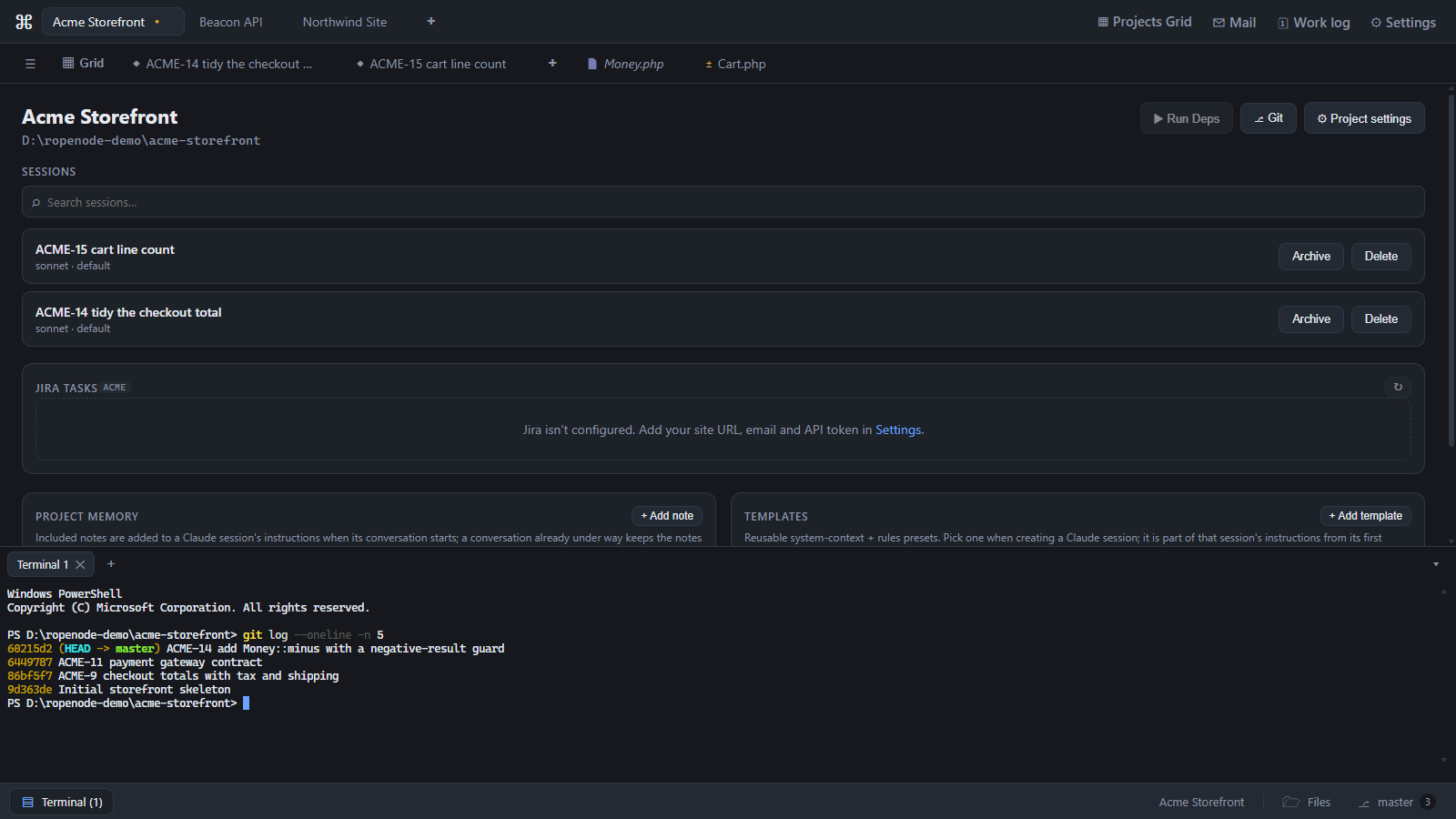
The status strip
Along the same bar, always visible whatever you are looking at:
- how many agents are currently working,
- how many need you — the number that decides whether you can walk away,
- the project's Files and Git, with the current branch and ahead/behind counts.
Run / Tasks
Ropenode finds a project's runnable scripts — npm, yarn and pnpm scripts, composer scripts, Laravel artisan commands — and you can add your own. Each gets start, stop and restart with a green/red status, and ▶ Run Deps on the project starts the ones it needs.
Stopping is graceful: a task gets time to shut down what it started — a docker compose up
included — before anything is forced.
Scope
- Closing a terminal discards its scrollback.
- Environment variables come from your shell profile.
Last updated Oct 11, 2026