
The workspace
Files, editor and search
The explorer
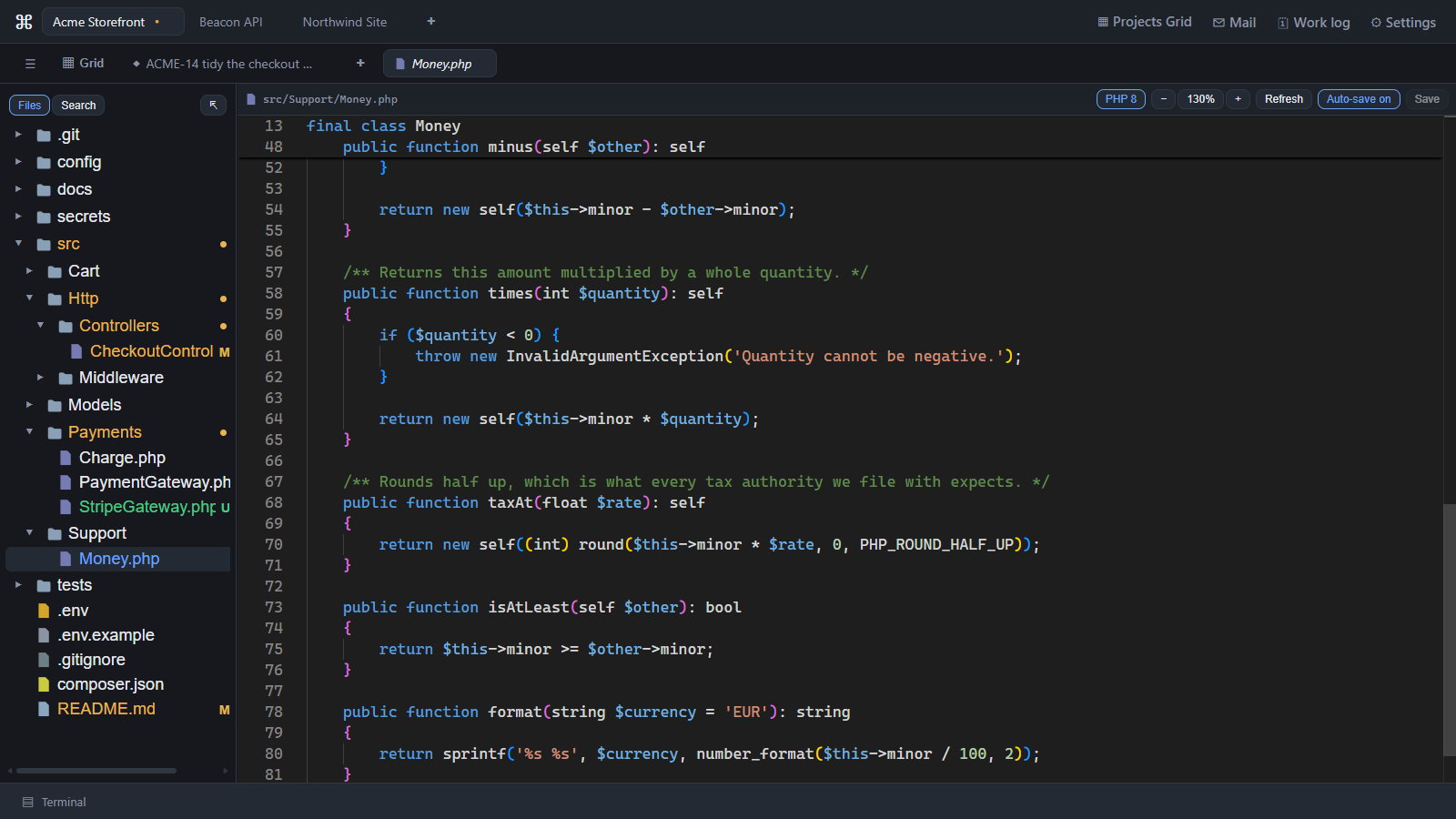
The Files tree shows the project with git status marks. Right-click a file or folder for Open Preview, Search in folder, Refresh, New file…, New folder…, Rename…, Delete and Copy path — or right-click the empty space below the tree, which is how you create the first file of a brand-new project. The tree remembers where you had scrolled.
The editor
Monaco, the editor inside VS Code: tabs, syntax highlighting, auto-save (on by default), zoom, git gutter markers, and a sticky header showing the class and function you are in. A file changed on disk by the agent or another tool reloads in place. Markdown files open rendered, and images open as images.
Search
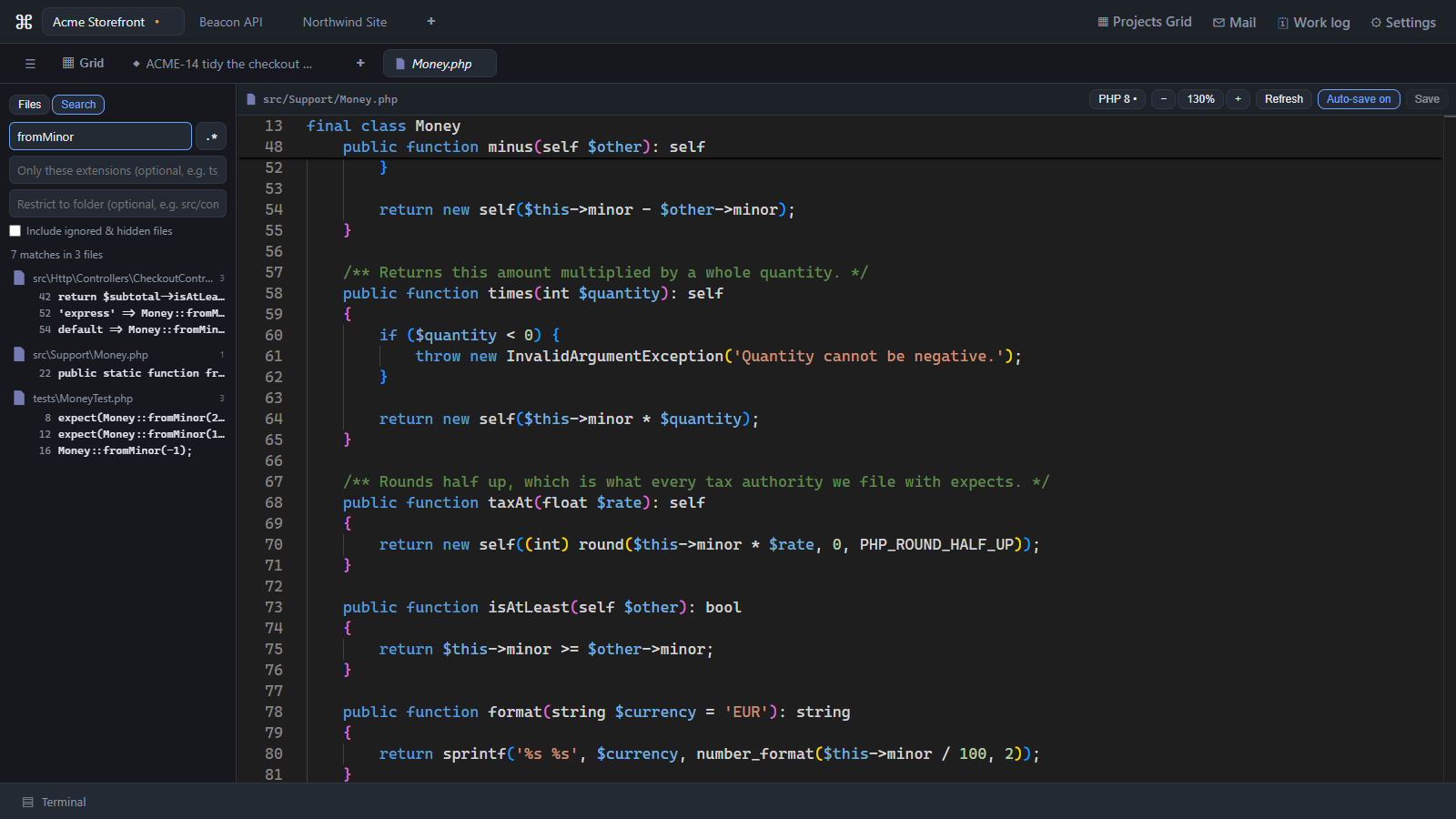
Search the whole project as literal text (with * as a wildcard) or as a regular
expression, filtered by extension or scoped to a folder. Files your .gitignore hides, and
hidden files, are skipped unless you switch on the option to include them.
Diffs
Side-by-side Monaco diffs; Alt+Z toggles line wrapping.
Tabs survive a restart
The tabs you had open come back when you relaunch — which files, sessions and diffs, not their contents: a file always reopens as it is on disk now, never as a stale copy.
Last updated Oct 11, 2026